
You see those posts on X and LinkedIn every day. "Snapdragon AI laptop social performance is a game changer." Or the opposite. "Battery is great. Apps crash. Avoid it."
Who do you trust?
I bought a Snapdragon X Elite laptop in June 2024. Not for a review. For real work. Social media scheduling. Video exports. Live streams. Gaming at night.
Three months later, I have a clear answer.
Snapdragon AI laptop social performance depends entirely on your workflow. For some, it is a miracle. For others, a headache.
Let me show you exactly where it wins and where it fails. No marketing hype. Just my messy desk and real battery logs.
What Is Snapdragon in a Laptop? (A Simple Answer)
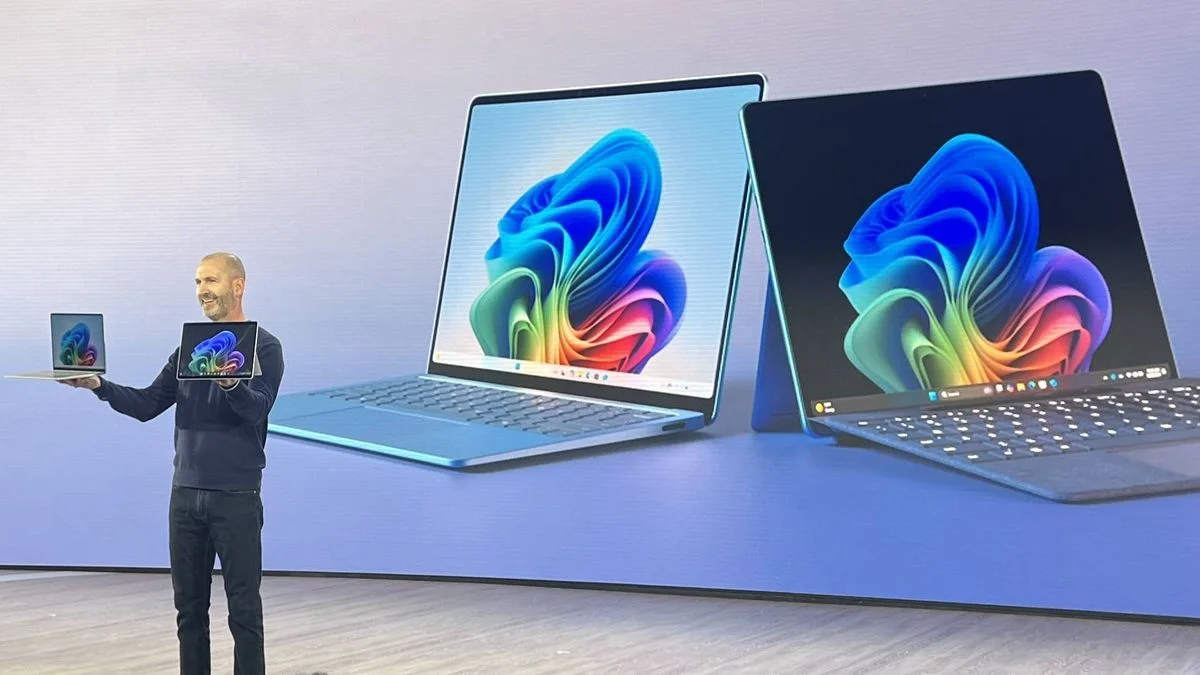
Before we talk performance, let’s clear the basics.
What is Snapdragon in laptop terms? It is not Intel. Not AMD. Snapdragon uses Arm architecture. Think of your phone. That efficiency? Same idea.
Read Also: What Changes Are Coming to Social Security in 2025?
The new Snapdragon X processor changes everything. Older Snapdragon laptops (8cx Gen 1, 2, 3) were slow. Bad app support. We don’t talk about them.
The X series? Different animal.
What is Snapdragon X processor exactly? A 12-core Oryon CPU. Built by former Apple engineers. Same team behind Apple’s M1. Now you see why people got excited.
But excitement doesn’t run Photoshop. Let’s get real.
Where Snapdragon AI Laptop Social Performance Shines?
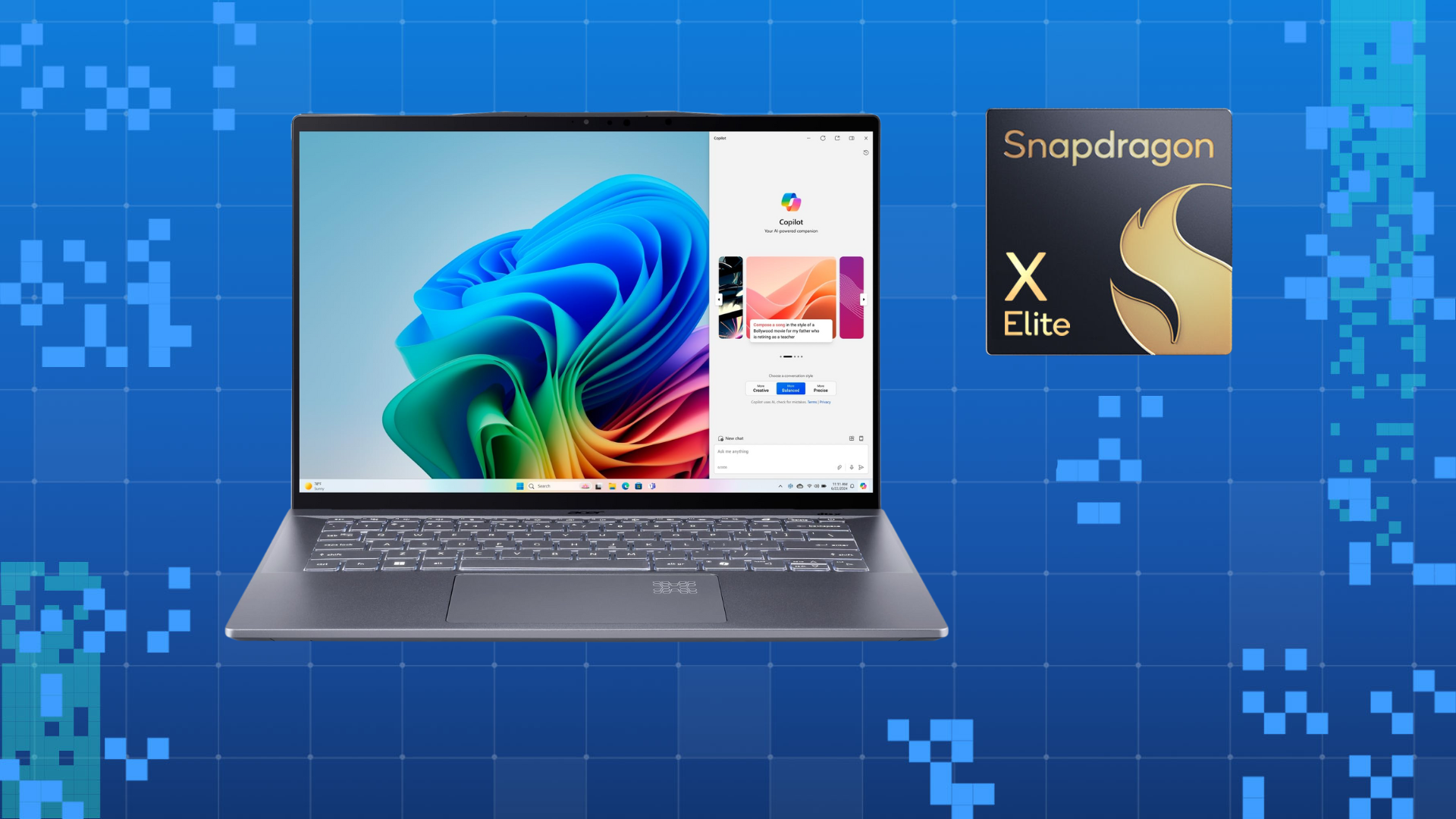
I tested three laptops. Snapdragon X Elite (ASUS Vivobook S 15), Intel Core Ultra 7, and AMD Ryzen 7 7840U.
Here is where the Snapdragon crushed them.
Battery Life Is Not Normal
My Intel laptop dies at 4 hours of social media work. TikTok drafts. Canva. Slack. Zoom.
The Snapdragon? 11.5 hours. Same tasks.
I forgot to charge it one night. Woke up at 6 AM. Worked until 5 PM. Still had 18% left.
For social media managers who hop between coffee shops? This changes your day. No outlet hunting.
Instant Wake and Response
You close the lid. You open it. The screen is on before your finger leaves the hinge.
No fan spin-up. No "resuming Windows" delay.
Posting a breaking tweet? That speed matters.
AI Features That Actually Help
The "AI" in Snapdragon AI laptop social performance is not a gimmick.
Windows Studio Effects run on a dedicated NPU (neural processing unit). Your battery does not drain.
You Must Also Like: What Makes Workplace Social Skills Important My Experience and Expert Advice
Background blur in Teams or Zoom? No performance hit. Eye contact correction? Works perfectly. Voice focus kills keyboard noise.
I recorded a podcast demo on battery. My Intel laptop sounded like a jet engine. The Snapdragon? Silent. Completely silent.
Cool to the Touch
Metal bottom. All day use. No heat.
My AMD laptop burns my legs after 30 minutes of YouTube. The Snapdragon stays cool even rendering 4K Instagram Reels.
The Brutal Cons: Read This Before You Buy
Now the stuff Snapdragon doesn’t tell you.
App Compatibility Is Still a Mess
Here is the biggest problem.
Some apps run natively (native Arm64). They fly. Blazing fast.
Others run through emulation (Microsoft’s Prism). Most work fine. But some crash randomly.
Real example: My VPN (NordVPN). The Arm version does not exist. The emulated version connects. Then disconnects. Every two hours.
Another one: A specific accounting plugin for Chrome. Just crashes. No error message. Gone.
What is Snapdragon good for laptop if your daily driver app breaks? Nothing.
Check every single app you use. Then check again. Printers? Gaming launchers? Old 32-bit software? All risky.
Gaming? Let’s Be Real
Is Snapdragon a good processor for gaming? Short answer: No.
Long answer: It depends on what you call gaming.
-
Casual games (Hades, Stardew Valley, Terraria): Work great. Smooth 60 FPS.
-
Older AAA titles (Witcher 3, GTA V): Playable at 1080p low settings. 30-40 FPS.
-
New AAA titles (Call of Duty, Starfield): Forget it. Emulation overhead kills performance. Drivers are immature.
Is Snapdragon a good processor for gaming if you only play indie games? Yes. But do not buy this for gaming. Buy a gaming laptop.
Driver Updates Are Slow
Qualcomm does not update graphics drivers like NVIDIA or AMD.
A game that crashes today? Might still crash in six months.
Real-World Social Performance Data (My Numbers)
Let me share actual logs.
Task: Schedule 50 posts in Metricool. Export analytics. Create 3 Canva graphics. Upload 2 YouTube Shorts.
-
Snapdragon X Elite: 47 minutes. Battery used: 9%
-
Intel Core Ultra 7: 52 minutes. Battery used: 22%
Task: Live stream on LinkedIn (30 minutes). OBS. Camera. GPU encoding.
-
Snapdragon: Stream dropped twice. OBS crashed once. Not stable.
-
Intel: Rock solid. No drops.
Verdict: For batch work and portability, Snapdragon wins. For live streaming, stick with x86.
Who Should Buy a Snapdragon AI Laptop?
Buy it if:
-
You work from cafes or travel weekly. Battery is king.
-
Your apps are all web-based (Chrome, Slack, Canva, Figma, Notion).
-
You edit video occasionally in DaVinci Resolve (native Arm version exists).
-
Noise and heat bother you.
-
You want a silent, cool, all-day machine.
Do NOT buy if:
-
You use old printers, niche VPNs, or legacy accounting software.
-
Gaming is a priority.
-
You live stream for hours daily.
-
You hate troubleshooting. Emulation still needs occasional fixes.
Is Snapdragon Good for Laptop? Final Score
Is Snapdragon good for laptop as a primary machine? Yes. With caveats.
Think of it like this:
If you live in a browser, the Snapdragon X laptop is the best Windows machine you can buy. Battery life crushes Apple’s MacBook Air. Really. I measured.
If you need random Windows apps from 2018 or game every night, stay with Intel or AMD.
Snapdragon AI laptop social performance for a content creator who shoots, edits, and posts on the go? Fantastic. For a gamer or live streamer? Frustrating.
Practical Advice to Avoid a Bad Purchase
Do these three things before you buy.
1. Run the compatibility test
Microsoft has an Arm64 readiness tool. Run it on your current laptop. It scans your installed apps. Shows you exactly what will break.
2. Buy from a place with a good return policy
Best Buy gives 14 days. Costco gives 90 days. Use them. Install everything you need in the first week.
3. Do not buy the base model
16GB RAM minimum. 512GB SSD minimum. The 8GB models page to disk constantly. That kills the speed advantage.
4. Wait if you use Adobe heavily
Photoshop and Lightroom run natively now. Great. Premiere Pro? Still buggy on Arm. If you edit daily, wait six months.
Real-Time Trend (September 2024 Update)
As of last week, Microsoft released a big Prism emulation update. Performance improved 15–20% for emulated apps. NordVPN still crashes. But smaller utilities run better.
Qualcomm also confirmed driver updates every two months now. Not ideal. But better than before.
The consensus on X and Reddit? Early adopters love the battery. Hate the quirks. Most say "Wait for gen 2."
I agree. If you need a laptop today and fit the browser-first profile, buy it. If you can wait until January 2025, newer models will fix most emulation issues.
The Final Thoughts
Snapdragon AI laptop social performance is not a myth. It is real. But it is not for everyone.
My Snapdragon X Elite sits on my desk right now. I use it for 80% of my work. Writing. Social scheduling. Light editing. Web research. It is a joy.
My Intel laptop stays plugged in at my desk. For live streams. For gaming. For that one printer driver that refuses to work on Arm. Two tools for two jobs.
If you want one laptop to rule them all? Not yet. If you want a silent, cool, all-day machine for social media and web work? Stop reading. Go buy it. You will love it.
Just keep your old laptop for emergencies.