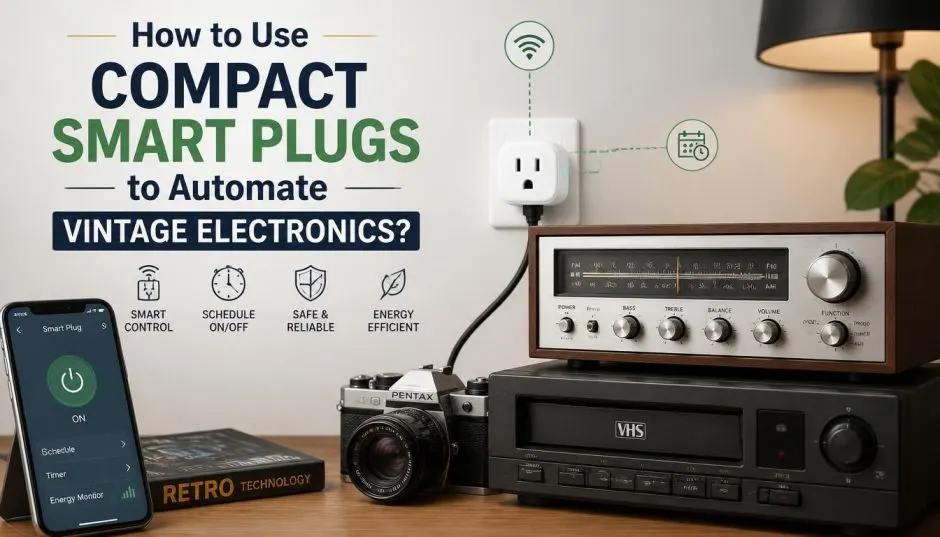
Vintage electronics have a certain charm. Old radios, retro lamps, and classic fans add character to any room. But they lack one thing. Smart features. You cannot control them with your phone. You cannot set schedules. You cannot turn them off remotely.
That is where compact smart plugs come in. These small devices plug into your wall outlet. They let you control anything connected to them. I have been using them for years. Here is what I learned about using compact smart plugs to automate vintage electronics.
Why Smart Plugs Work for Vintage Gear?
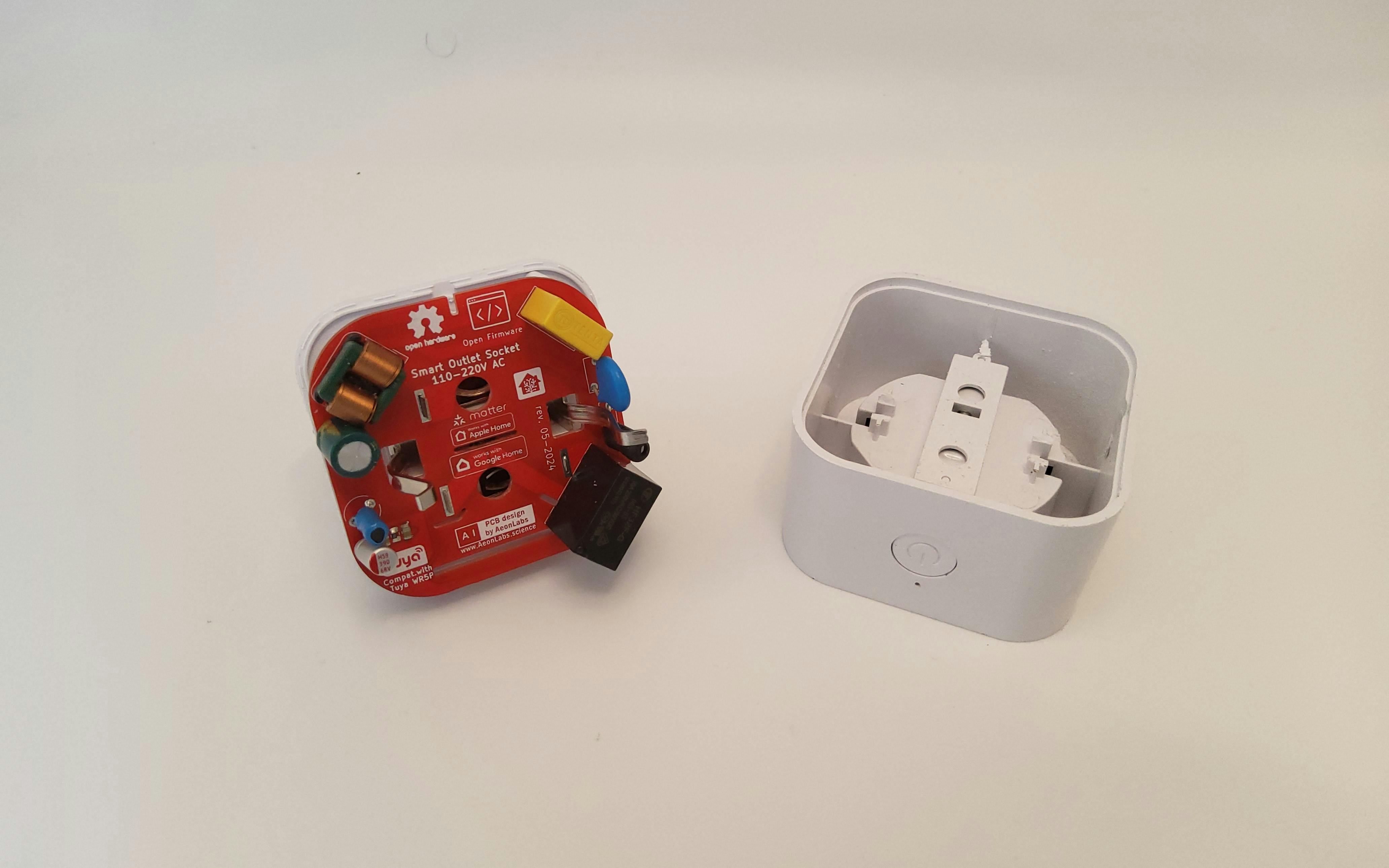
Smart plugs act as power controllers. They sit between your wall outlet and your device. You plug your vintage lamp into the smart plug. The smart plug connects to your Wi-Fi. Now you can turn that lamp on and off from anywhere.
Read Also: Smart Ambient Lighting Systems: Everything You Need to Know Before Buying
The beauty is simplicity. You do not modify the vintage device. You do not rewire anything. The smart plug handles all the automation. Your classic radio stays exactly as it is. It just becomes smarter.
This approach saves money too. Replacing every old appliance with a smart equivalent gets expensive fast. Smart plugs offer a low-cost alternative. They breathe new life into perfectly functional vintage gear.
What to Check Before Buying?
Not every smart plug works with every device. Here are the key factors I check.
Power Rating Matters
Most smart plugs handle 15 amps (1800 watts). That covers lamps, fans, radios, and TVs. But vintage electronics can have higher power draws. Check your device's wattage. Do not exceed the plug's rating. Overloading causes overheating and melting.
Wi-Fi or Hub?
Most compact smart plugs use Wi-Fi. They connect directly to your home network. No extra hub needed. Some use Zigbee or Z-Wave. These need a separate coordinator. Wi-Fi plugs are simpler for beginners. Zigbee offers better reliability for large setups.
App Ecosystem
Different plugs work with different apps. Some only work with Alexa. Some support Apple HomeKit. Others work with Google Home. Choose one that fits your existing setup.
Top Compact Smart Plugs for Vintage Electronics
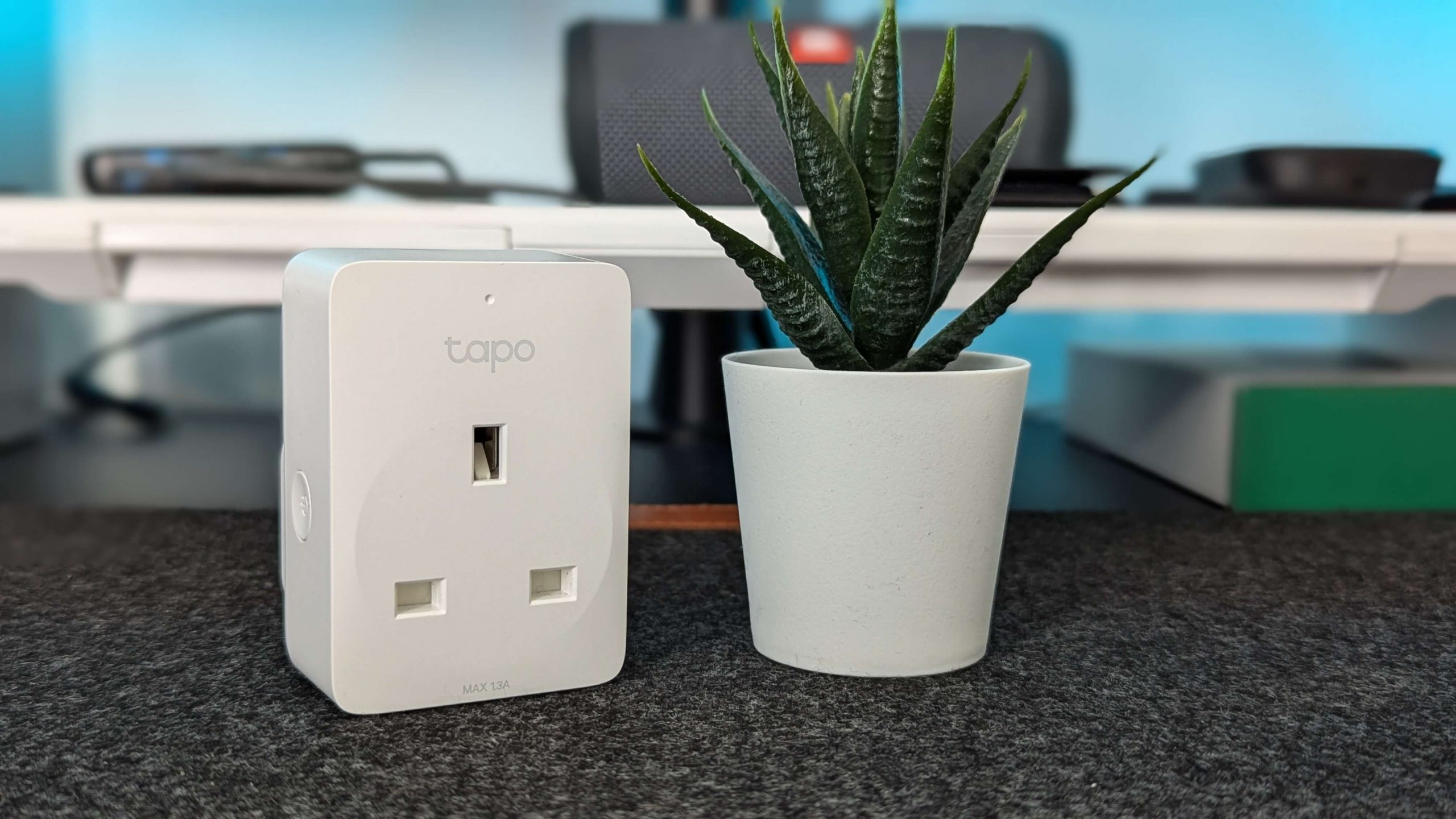
I have tested several options. Here is my honest take.
TP-Link Kasa Smart Plug Mini (EP25)
This is widely recommended. It costs around $18 each or $30 for a two-pack. The design is compact. Two plugs fit in the same outlet.
You Must Also Like: Moving Beyond Individual Gadgets to Smart Systems
Pros: Easy setup. Works with Alexa and Google Home. No hub required. Reliable app.
Cons: No Apple HomeKit support. Requires internet connection.
Best for: Beginners and Alexa/Google users.
Wyze Smart Plug
This comes in a two-pack for about $25. It offers scheduling and vacation mode.
Pros: Affordable. Free app. No hub needed.
Cons: Limited ecosystem support.
Best for: Budget-conscious users.
Meross Smart Plug Mini
This works with Apple HomeKit. It also supports Matter. A four-pack is available on Amazon.
Pros: HomeKit compatible. Matter support. Budget-friendly.
Cons: Setup can be tricky for some.
Best for: Apple users.
TP-Link Tapo Apple HomeKit Smart Plug Mini
This is super easy to set up. A two-pack costs $19 on Amazon.
Pros: Inexpensive. Works with HomeKit. Simple setup.
Cons: Limited advanced features.
Best for: Apple users on a budget.
Shelly Plug US Gen4
This is a newer option. It supports Wi-Fi, Zigbee, and Bluetooth. It is Matter-certified. It works with Apple HomeKit.
Pros: Multi-protocol. Power metering. Scripting capabilities.
Cons: More expensive. Advanced features require technical knowledge.
Best for: Tech enthusiasts and Home Assistant users.
Aqara Smart Plug
This works with Zigbee. It needs a hub. It reports power usage quickly.
Pros: Local control. No internet dependency. Reliable.
Cons: Requires hub. Zigbee network needed.
Best for: Home Assistant users with Zigbee setups.
Home Assistant Compatibility
Home Assistant users have specific needs. Here is what the community recommends.
Z-Wave options: Zooz makes reliable Z-Wave plugs. They work locally. No internet needed.
Zigbee options: Third Reality Zigbee plugs are popular. Aqara and Zooz also work well.
Wi-Fi options: TP-Link Kasa and Tapo have local integrations. Matter-labeled plugs should work. Shelly plugs have good local integration.
Flashed options: Athom sells ESPHome-flashed plugs. These are as close to native as you can get.
I use Zigbee plugs with Home Assistant. They work locally. No cloud dependency. Automations run even when the internet goes down.
Apple HomeKit Compatibility
Apple users need HomeKit support. Here are solid picks.
Eve Energy: This is a solid pick. It works with HomeKit. Thread support improves reliability.
Meross: Budget-friendly. Works with HomeKit and Matter.
TP-Link Tapo: Inexpensive. Easy setup.
Shelly Plug US Gen4: Matter-certified. Works with Apple Home.
Aqara: Works with HomeKit. Requires hub.
Leviton: High-quality. Matter-compatible.
Stick with Matter-certified plugs for future-proofing. They work across ecosystems.
Alexa Compatibility
Alexa users have many options.
Amazon Smart Plug: Works with Alexa. No third-party app needed. But it does not work with Apple HomeKit or Google Assistant.
TP-Link Kasa: Works with Alexa.
Wyze: Works with Alexa.
Gosund: Works with Alexa.
Geeni: Works with Alexa.
Most Wi-Fi smart plugs support Alexa. Check the product page before buying.
Does Amazon Smart Plug Have a MAC Address?
Yes. Every Amazon Smart Plug has a MAC address. Any device connecting to Wi-Fi needs one. The MAC address is unique. It identifies your plug on the network.
You might need the MAC address for network security. Some networks use MAC filtering. Only approved devices can connect.
How to find it:
-
Check the packaging. Some models print it on the box.
-
Check the plug itself. Look under or on the back.
-
Check your router. Log in and look at connected devices.
-
Use a hotspot. Connect the plug to your phone's hotspot. Check connected devices there.
The MAC address is permanent. You cannot change it.
Safety Considerations
Vintage electronics need care. Here are my safety rules.
Check the wattage. Do not exceed the smart plug's rating. Most handle 15A. High-power devices like space heaters are risky.
Avoid high-heat appliances. Irons, toasters, and heaters draw too much power. Stick to lamps, fans, radios, and TVs.
Use outdoor-rated plugs outside. Standard plugs are not weatherproof.
Check for overheating. Smart plugs get warm. That is normal. But excessive heat means trouble. Unplug immediately.
Inspect old wiring. Vintage devices may have frayed cords. Fix those before plugging into a smart plug.
Creative Automations for Vintage Gear
Here is how I use smart plugs with vintage electronics.
Vintage lamp: Schedule it to turn on at sunset. Off at midnight. No more coming home to a dark house.
Classic fan: Turn it on when temperature rises. Off when it cools. Saves energy.
Old radio: Set it to play at wake-up time. A gentle start to the day.
Holiday lights: Schedule them for evenings. Off automatically at bedtime.
Vintage coffee maker: Prep it the night before. Set it to brew in the morning.
Motion-activated lights: Pair with a motion sensor. Light turns on when you enter the room.
Common Setup Problems
I ran into these issues. Here is how to fix them.
Plug not connecting: Check your Wi-Fi password. Most plugs use 2.4GHz networks. 5GHz networks do not work.
App not finding plug: Reset the plug. Hold the power button for 5 seconds. Try again.
Device not turning on: Check the plug's power rating. Your device may draw too much.
Automations not running: Check the schedule. Make sure the plug is online.
Plug keeps disconnecting: Move it closer to your router. Wi-Fi signals weaken through walls.
The Final Thoughts
Compact smart plugs to automate vintage electronics are a brilliant solution. They are affordable. They are easy to use. They do not modify your prized vintage gear.
Start with one plug. Connect a vintage lamp. Set a schedule. See how it feels. You will likely want more. I started with one. Now I have them on lamps, fans, and radios throughout my home.
Choose the right plug for your ecosystem. TP-Link Kasa for Alexa. Meross for Apple HomeKit. Zooz or Aqara for Home Assistant. Check the power rating. Stay safe. Enjoy the convenience.
Your vintage electronics deserve modern convenience. Smart plugs deliver that without compromise.